The Broadcast Studio
in Your Browser

Professional video mixing, audio engineering, and streaming without installation. Accessible from any device, anywhere.

Unleash Your Production.
No .EXE Required.

Forget heavy installations and driver conflicts. VideoSwitchWeb brings the power of a TV studio to Chrome, Edge, and modern browsers.

  • Zero Installation: Just log in and go!
  • Universal Compatibility: Works on Windows, Mac, Linux, and Chromebooks.
  • Cloud-Based: Always up to date!
  • Unlimited inputs! limited only by your hardware
  • We are constantly adding more AI tools.
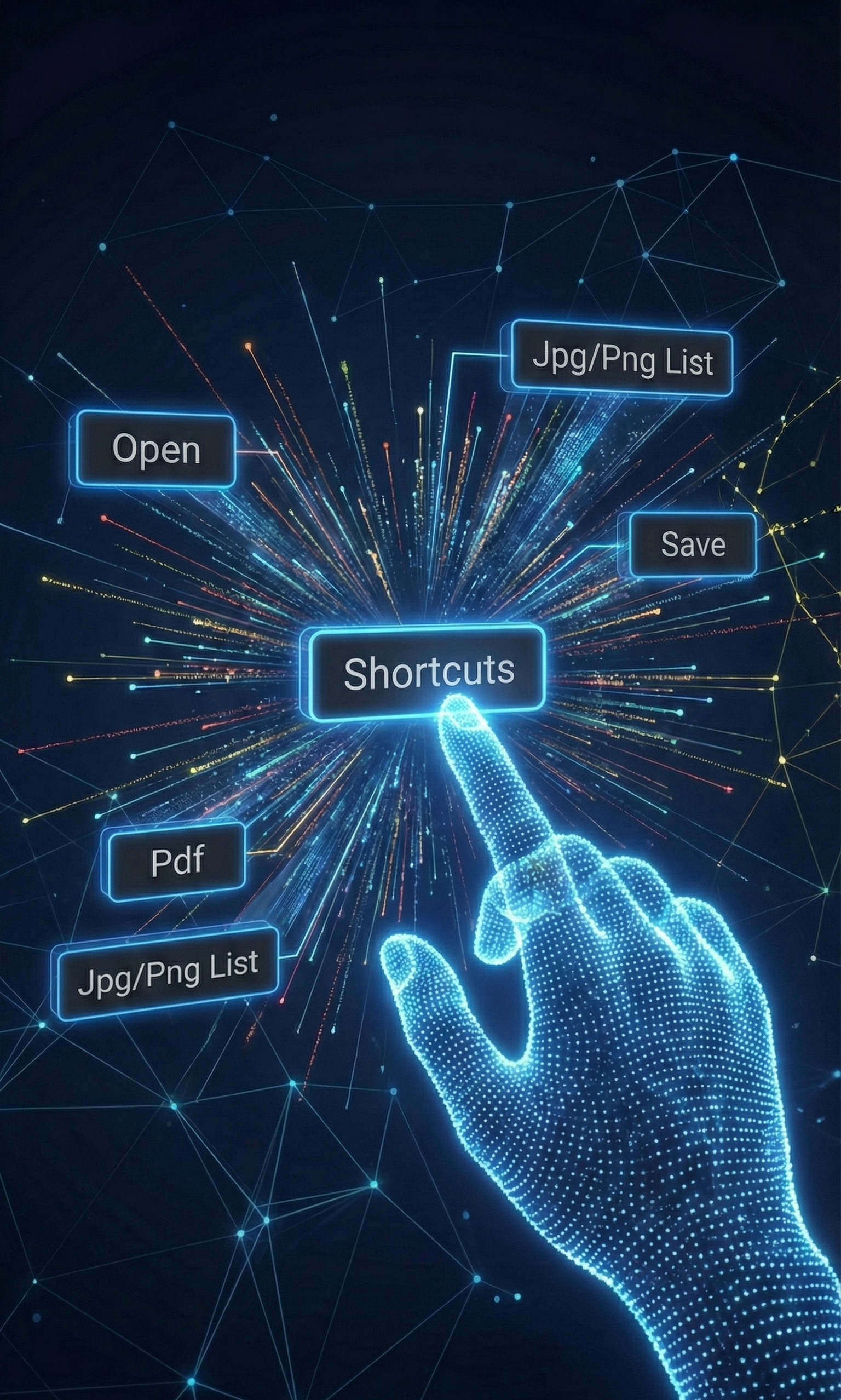
Interactive touch interface showing shortcuts
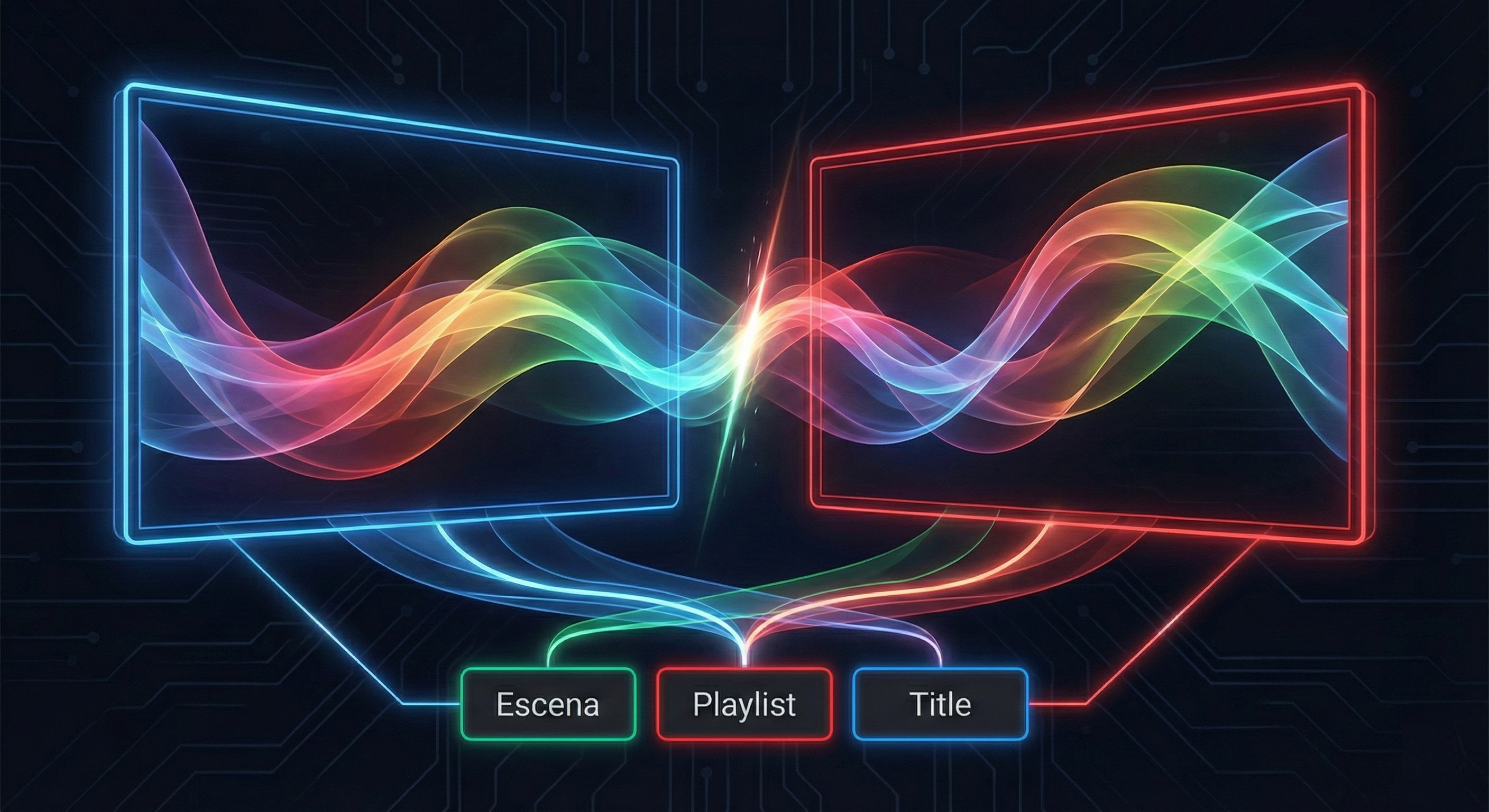
Preview and Program video mixing workflow

Seamless Transitions.
Broadcast Quality.

Experience a true Dual-Bus workflow (Preview/Program) designed for professionals.

Multi-Source Inputs!

Connect HDMI capture, webcams, add Titles, logos, upload video files, add PDF presentations, and image playlist instantly.

Unique Stream Customization!

Borders, Shadows, Unlimited Overlays, Resize Sources, Color Correction, Image, Clone Input or Scene.

Full HD Output

Project to an external screen in 1080p or stream to custom RTMP server, YouTube, Twitch, Vimeo, Facebook, etc with our external app.

Studio-Grade
Audio Processing

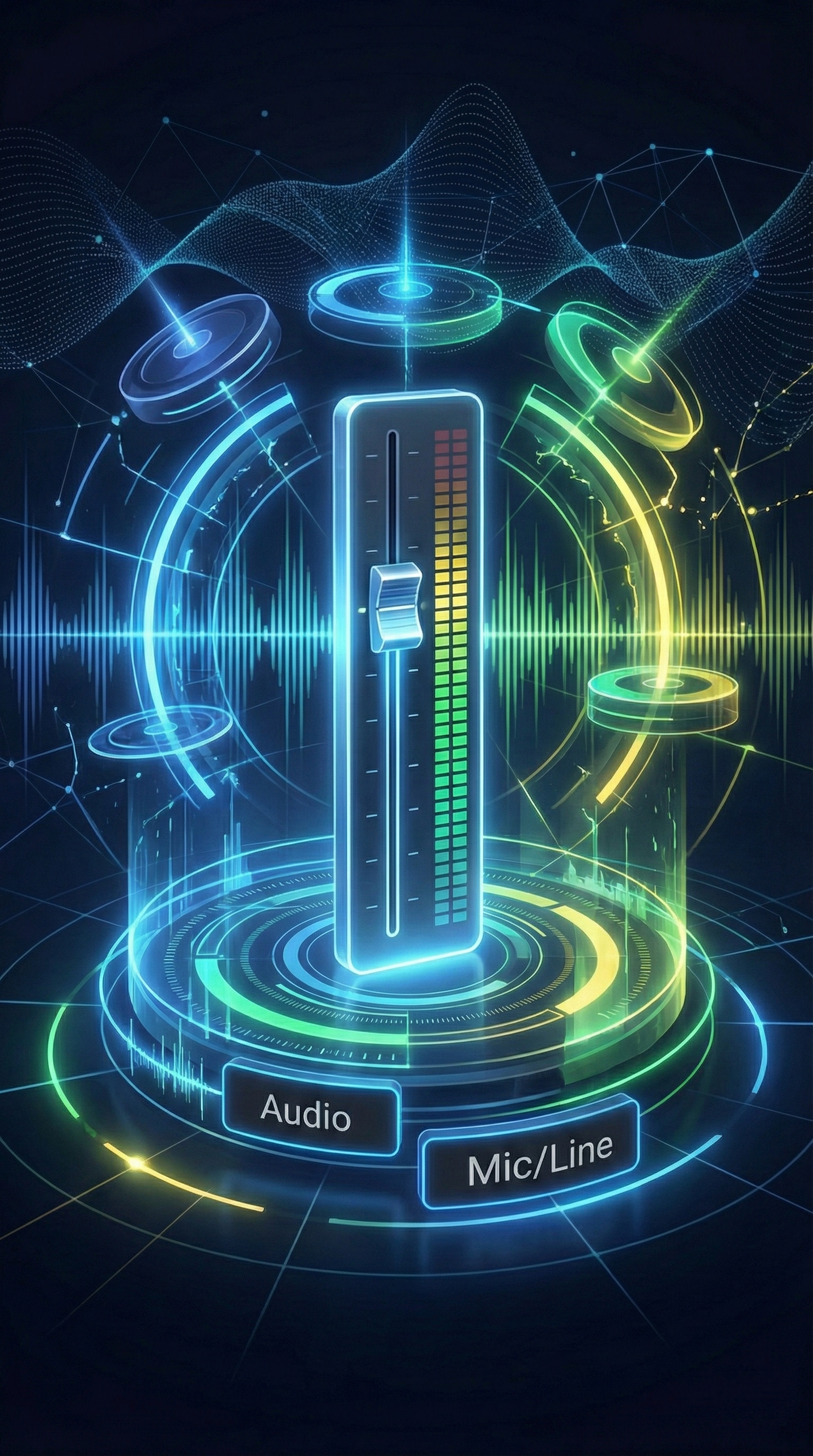
Great video needs great audio. VideoSwitchWeb includes a complete mixing console built into the interface.

  • Noise Gate & Dynamics
  • 7-Band EQ per channel
  • Independent Monitor Mix
  • Real-time VU Meters
Advanced audio fader and equalizer visualization

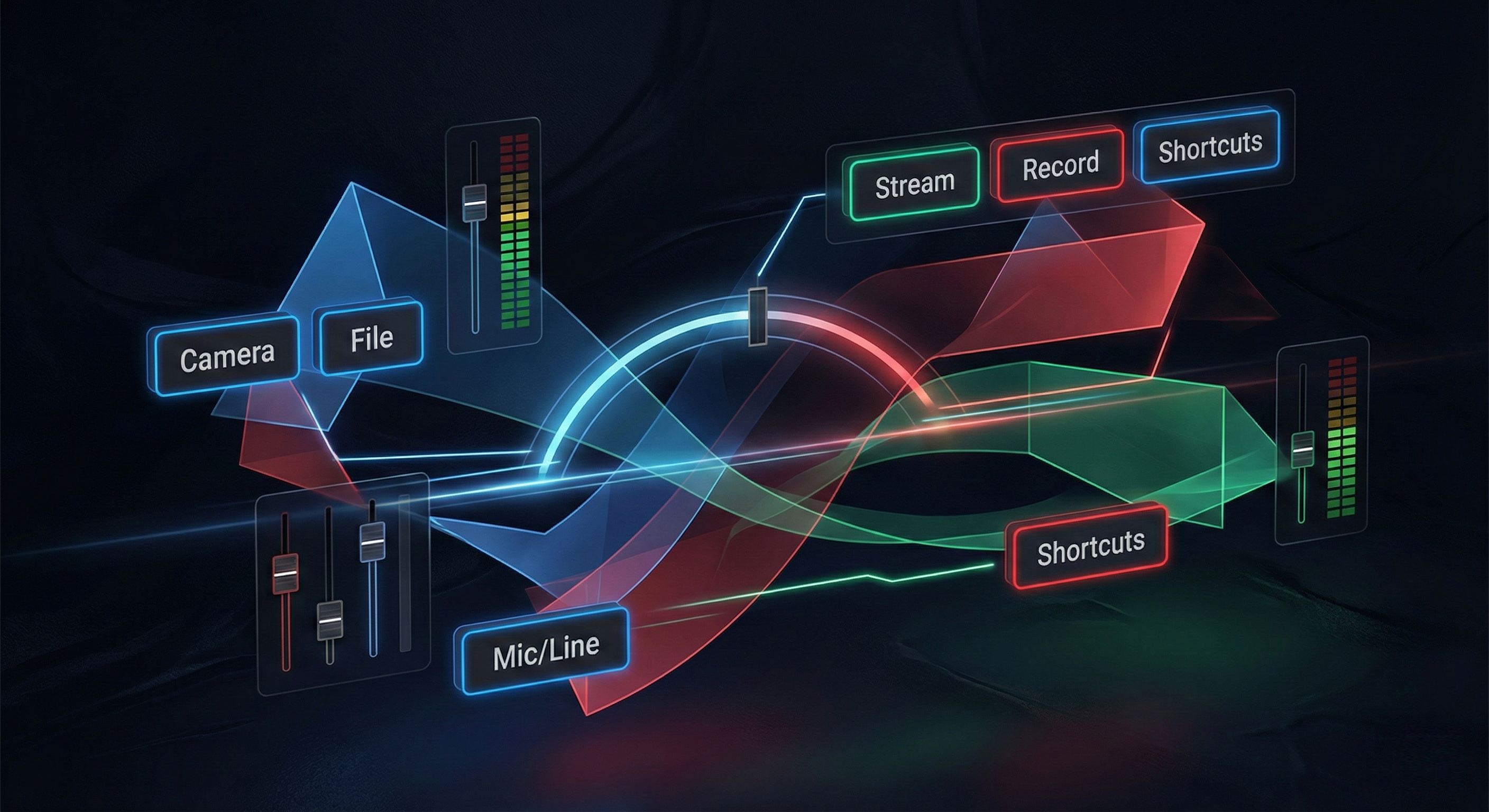
All Your Assets. One Interface.

From complex shortcuts to file management, everything is connected in a cohesive ecosystem.

Complex ecosystem of video production